Never invisible
While Hushd watches, a ring sits in the notch and the menu bar. Click it to see the session so far, or the files in your tray.
Hover the notch, then click it.
A calm app window, a ring in the notch, and a tray for your files. Try each one below.
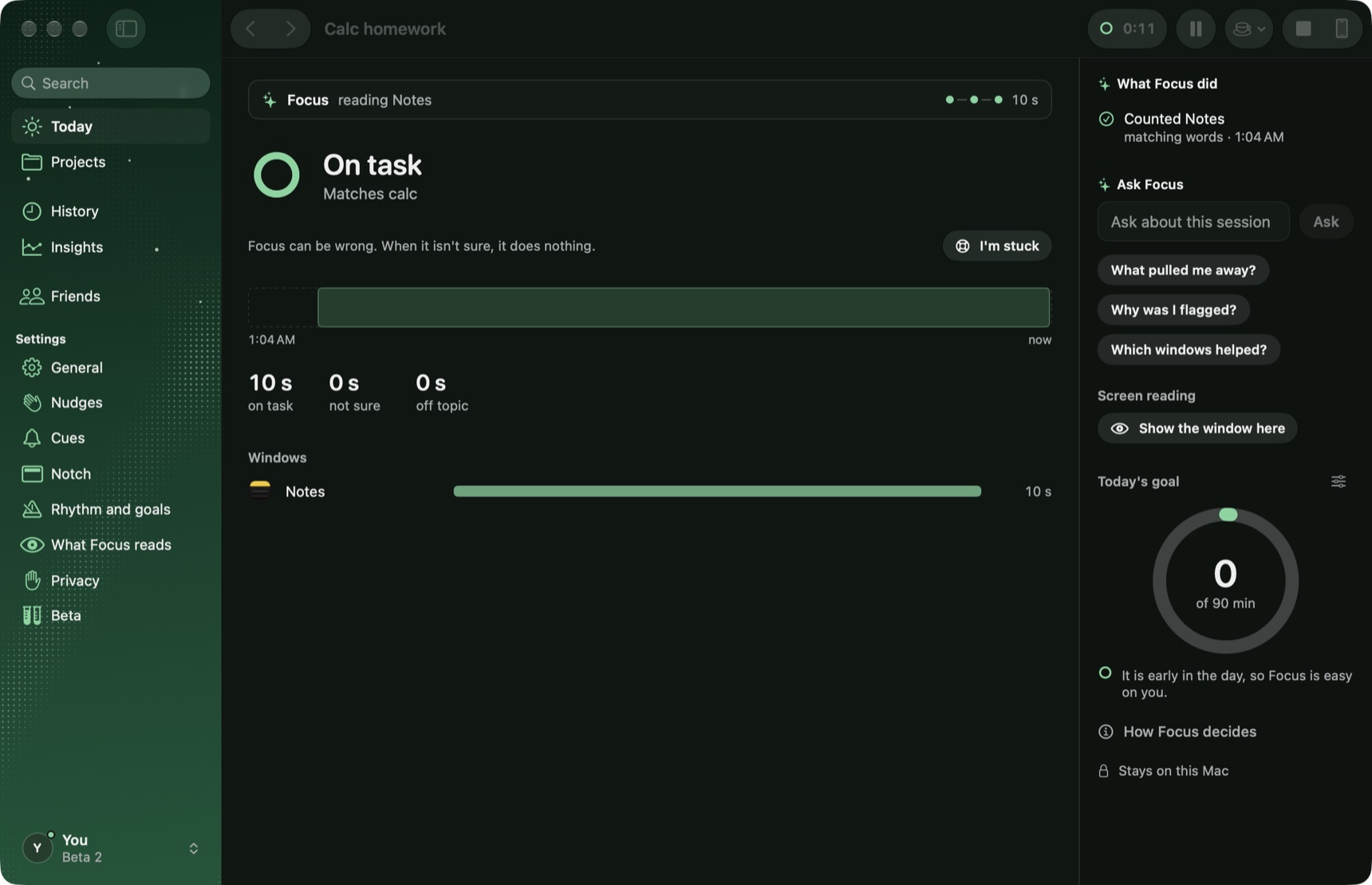
While Hushd watches, a ring sits in the notch and the menu bar. Click it to see the session so far, or the files in your tray.
Hover the notch, then click it.
A sentence about the work beats any list of rules. Hushd reads it every time it compares, and you can ask it about any window.
Chapter 3 problems. Integration by parts, then the review sheet. Notes and the textbook PDF count.
Back to task returns you to the window or tab you were working in, not only the app. Places live in memory and go with the session.
Press Back to task.
Drop files on the notch, and drag them out when you need them. Handy for the PDF you keep going back to.
Throw a file up into the notch.
Control, Option, F starts a session, or pauses one. Try it here, or click the keys.
Off until you turn it on. Words only, never the picture, and they stay in memory for seconds.
A companion is in testing. It follows your Mac session over your local network and can shield apps you pick while you work. You can lift it any time.
No account, no cloud model, no analytics.